
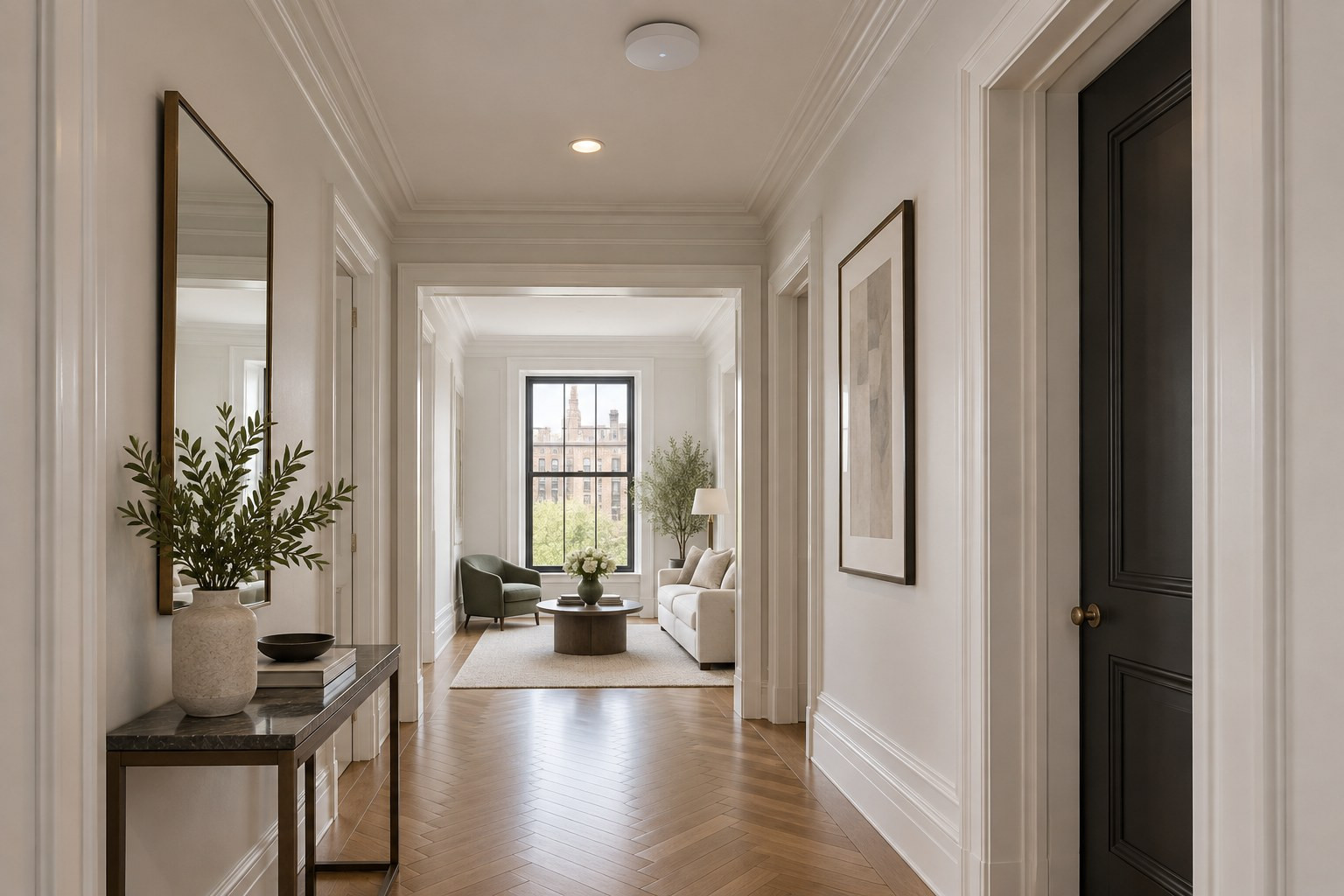
Mesh Wi-Fi vs. Wired Access Points: What Works Best in a NYC Apartment (Pre-War or New Build)
Wired access points beat mesh Wi-Fi in every New York apartment. Both give you whole home coverage on paper. Only one does it through plaster and concrete. A mesh system links its nodes over the air, and the same plaster, concrete, and metal that block your phone's signal also block the link between nodes. Wired access points connect over Cat6a cable, so every one of them gets full speed no matter what the walls are made of. Mesh is the last resort: when you rent, or when running cable is not possible or the cost is out of reach. A DIY mesh kit costs $300 to $800. A professionally installed wired network runs $5,000 to $10,000 in our own installs.
⚡ QUICK SUMMARY
Mesh WiFi: two or three boxes that talk to each other wirelessly. Easy setup, $300 to $800, a last resort when cable cannot go in. Weak spot: the link between boxes goes through the same walls that block your phone. Wired access points: ceiling or wall units on Cat6a cable back to one router. Full speed at every unit, better roaming, no dead zones. Cost: $500 to $600 per Cat6a drop, $5,000 to $10,000 for a complete professionally installed network. Pre-war plaster, post-war concrete, or a new build with drywall: go wired. Mesh only when wiring is not possible. Renovating: wire it now.
"Should I just buy a mesh system?" is the question we hear after someone has already bought two routers and a range extender. The honest answer depends on what your building is made of and whether anyone can get a cable through it. This guide gives you the plain comparison, what each costs, and which one fits the three kinds of New York apartments.
Home Theater Advisors has designed home networks and WiFi for New York City apartments since 2011, with over 500 installs. We install Araknis routers and switches with Access Networks access points, wired on Cat6a. We do not sell mesh kits, so when we say a mesh setup is the right call for your apartment, we have no reason to say it. We sell professional installation of wired systems, and even we say mesh sometimes.
What Is the Difference Between a Mesh Network and a Wired Wi-Fi Access Point?
A mesh WiFi system is a set of two or more matching units. One plugs into your modem. The others sit around the apartment and relay the signal. They talk to each other over the air, which is called wireless backhaul. Setup takes ten minutes with a phone app. Plug a node into an ethernet cable and it uses wired backhaul instead, which is a big upgrade.
Wired access points are radios mounted on the ceiling or wall, each connected by an ethernet cable to a switch and a router. There is no relay. Every access point has its own full-speed ethernet backhaul to the main router. A network controller manages them as one system, so your phone hands off from one access point to the next as you walk. That is seamless roaming, the same thing you get in a hotel or an office building. Video calls do not drop when you move from the kitchen to the home office.
WIRED's 2026 guide puts it simply: wired access points are more predictable for latency, roaming, and throughput. Use mesh when wiring is not practical. Use wired access points when you can. A mesh kit with its nodes plugged into ethernet behaves almost like a wired access point system, which is the middle path many people miss.
Mesh WiFi vs. Wired Access Points: Side by Side
Mesh pricing example: eero Pro 7 lists at $299.99 for one unit and $799.99 for three (eero.com, 2026). HTA figures are what our own NYC installs run in 2026. We charge MSRP on any equipment we supply.
Why Mesh Systems Struggle in Pre-War and Post-War Buildings
A mesh node is a radio. To relay your signal it first has to hear the main unit through the plaster. Pre-war plaster sits on metal lath or wire mesh, and a grid of metal acts like a screen that blocks radio waves. Research on plaster with embedded metal mesh, published by URSI Finland, found the mesh alone can add a surprising amount of signal loss on top of the plaster itself. Post-war concrete does the same thing with rebar and mass.
So the node in your bedroom hears the base unit at a fraction of full strength, and every device on that node shares the weak link. Other nodes further down the chain get even less. You see three bars on your phone and a spinning wheel on Netflix. That is the mesh backhaul, not your internet plan.
A wired access point skips the problem. The ethernet cable carries the full internet connection through anything. Each access point only has to cover its own zone, and multiple access points on wire give you full coverage with no weak link. The access point only has to reach the devices in its own room, which is easy. This is why the same apartment that defeated three mesh kits works perfectly with two wired access points. Every wireless device stays connected, and the connection is stable.
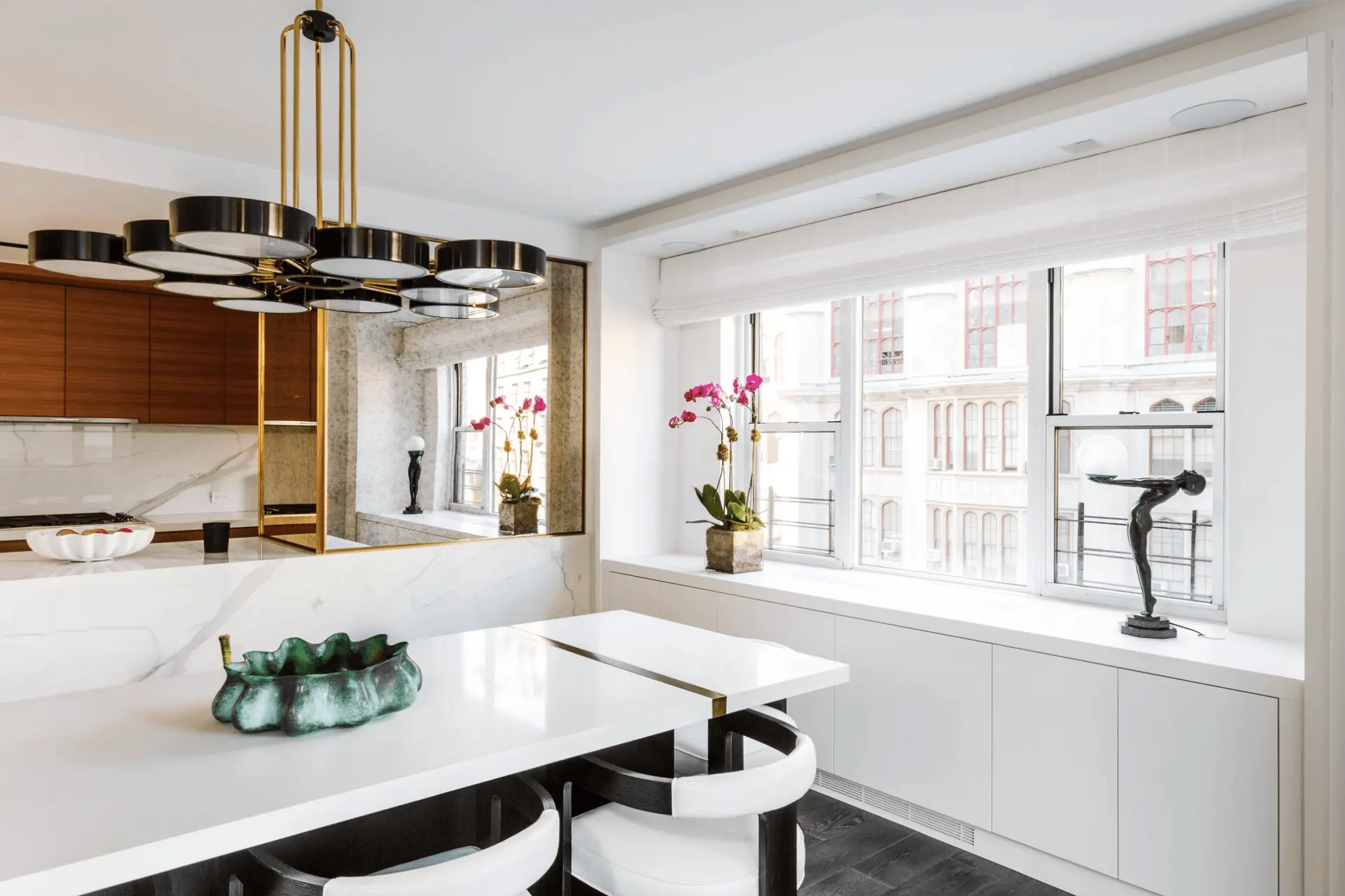
Ceiling-mounted access points and speakers disappear into a Manhattan ceiling when the cable goes in first
Which Home Wi-Fi Setup Fits Your Apartment? (The Right Solution by Building Type)
Pre-war (plaster, metal lath, thick partitions) Go wired. One access point per major zone, Cat6a to each. A wireless connection between nodes has no chance here. Mesh nodes lose each other through lath. Budget for holes: fishing wire in plaster almost always means openings, and we do not patch or paint. | Post-war (poured concrete, slab floors) Go wired. Concrete blocks signal in every direction, and a wireless setup fights it in every room. Runs often follow existing chases or get hidden in millwork. Ceiling access points do most of the work. |
New build (metal studs, glass, marble) Go wired here too. Drywall is easier to fish than plaster or concrete, so the cable goes in with less mess. Metal studs, glass partitions, and stone kitchens cause dead spots that mesh never fully fixes. If you are renovating, wire it now; see our renovation wiring checklist. | Renting or short stay Mesh Wi-Fi. You cannot run cable in a rental. Put the base unit central, put nodes with a clear line of sight, and plug any node you can into an ethernet jack for wired backhaul. Skip WiFi extenders; a mesh network handles roaming better. |
Not sure what your walls are made of? We will evaluate the Wi-Fi in your apartment for free.
Book a Free WiFi EvaluationHow Much Do Wired Access Points and Ethernet Backhaul Cost?
Yes, wired costs more up front. It also lasts, and it is future proof. A wired access point system installed today handles WiFi 7 devices, 8K streaming, and whatever comes after, because the cable is the part that does not change. Mesh kits get replaced every few years.
💡 Pro Tip: Wire Your Mesh Nodes
Already own a mesh kit? Plug each node into an ethernet jack if you have any. That turns wireless backhaul into ethernet backhaul and fixes most of the speed loss. Asus AiMesh, eero, and most other mesh systems support it. It is the one free upgrade in networking, and it turns a mesh node into a real access point. Devices connected to it get more bandwidth and better security settings from the main unit.
How Wired Access Points Work: What a Professional Network Includes
The parts of a wired home network
Main router - The brain of the home network. We install Araknis routers, which are built for installers to configure, manage, and monitor. Your internet provider's box goes into bridge mode so there is one network.
Switch - Distributes the wired internet connection to TVs, access points, streaming boxes, and the equipment rack. Powers the access points over the same ethernet cable (PoE).
WiFi access points - Access Networks units on the ceiling or wall, one per zone. They share one network name and a network controller hands your phone off as you move. That is how access points work in offices, and it works the same in a home.
Ethernet cable - One Cat6a run to each access point and each TV. Thicker and harder to work with than Cat6, which is why the drop costs more. Wired devices like TVs and desktops connect directly to the switch for the most stable connection.
Remote support - A managed network can be checked, configured, and rebooted remotely, with minimal disruption to you. Our support plans start at $99.99 per month and cover exactly this.
⚠️ Do Not Stack Routers
Adding a second router from a big-box store to "extend" the signal creates two networks with two names, doubles the interference, and rarely fixes the dead zone. Range extenders do the same thing with a worse radio. If you must go wireless, buy one mesh system and set it up as one network.
“I spent years watching great products get installed badly. The equipment matters - but the installer matters more.”
- Mark Feinberg, Founder of Home Theater Advisors
Common Questions About Mesh Wi-Fi, Internet Connection Speed, and Access Points
Are access points better than mesh WiFi?
Yes, for speed, seamless roaming, and reliability. Mesh systems are easier and cheaper, and they are the right solution when you cannot run cable.
What is a major disadvantage of a mesh network?
Wireless backhaul. Every node has to hear the main router through your walls, and the far nodes share that weak link. Plaster, concrete, and metal make it worse.
Can you mix mesh and wired access points?
Yes. Most mesh systems accept a wired connection to each node, which turns them into wired access points with a consumer app. That is a fair middle ground if you already own the mesh kit and can get cable to each node.
How many access points does a 2,000 square foot apartment need?
Usually two or three, depending on the construction. Concrete and plaster call for more, open drywall for fewer. One access point per zone is the rule of thumb. A free evaluation answers this in one visit.
Do wired access points need power outlets?
No. They get power over the ethernet cable (PoE) from the switch, which is why they can sit flat on the ceiling with no cord.
Is mesh Wi-Fi overkill for a small apartment?
Often, yes. A studio or one bedroom usually does fine with one good router in a central spot. Add a mesh node or a wired AP only when a room has a real dead zone.
Will a wired network fix a slow internet connection?
It fixes slow WiFi inside the apartment. If your internet plan is slow, no home network fixes that. Test the speed on a laptop plugged straight into the modem first. Read why WiFi is slow in NYC apartments for the seven causes and how to tell them apart.
Tired of guessing? We will walk your apartment, test the coverage and performance room by room, and tell you whether a mesh kit will do or whether the walls call for wire. Free, no pressure, based on the Upper East Side. Our older post Wired vs. Wireless covers why ethernet still wins for TVs and desks, and the free evaluation covers the rest.
About the Author
Mark Feinberg, Founder & CEO of Home Theater Advisors. Before founding HTA in 2011, Mark ran Product Management at ADI, one of the largest AV distributors in the country. He is a Certified Control4 Smart Home Dealer and CEDIA member, and HTA has earned multiple Houzz Best of Design Awards. Mark holds a BA from Dartmouth and an MBA from Duke's Fuqua School of Business. He lives in Manhattan with his family.
WiFi That Works in Every Room
Mesh or wired, we will tell you which one your building needs. Free evaluation, itemized proposal, Upper East Side based.
| Call (646) 450-1060 → | Book a Free Consultation |
